Summary
You do not need an expensive camera to start creating. With just your iPhone or a DJI Pocket, you can capture photos and videos that look professional enough to grow your brand, share your story, and build your portfolio. The key is learning how to get the most out of the gear you already own, whether it’s a DSLR or a smartphone.
Quick Takeaways
– Use the right camera app for your style
– Take advantage of natural light whenever possible
– Learn simple composition rules that instantly improve your shots
– Let DJI Pocket’s gimbal do the heavy lifting for smooth video
– Edit with free or low cost apps to make your content pop
– Focus on storytelling, not just specs, to take better photographs.
Start With What You Have
A lot of creators hold themselves back waiting for the perfect setup. The reality is that the best gear is the gear you already have. Your iPhone, or even a compact camera like a DJI Pocket, can do more than most people realize, especially in terms of image quality. With the right techniques, these tools are lightweight, reliable, and capable of producing stunning, professional looking content. It’s all about understanding how to utilize the features of your device effectively.
Starting with small gear also forces you to focus on the fundamentals of photography such as lighting, framing, and storytelling. Mastering these elements will help you capture the best photos possible, regardless of the camera you are using. Lighting can drastically change the mood of your images, while thoughtful framing can enhance the composition and draw attention to your subject. Additionally, learning to tell a story through your photographs will engage your audience and make your images more memorable. Remember, the skills you develop with your iPhone will carry over to every camera you will ever use, making you a more versatile and creative photographer and filmmaker.
iPhone Photography Tips
Native App vs Pro Apps
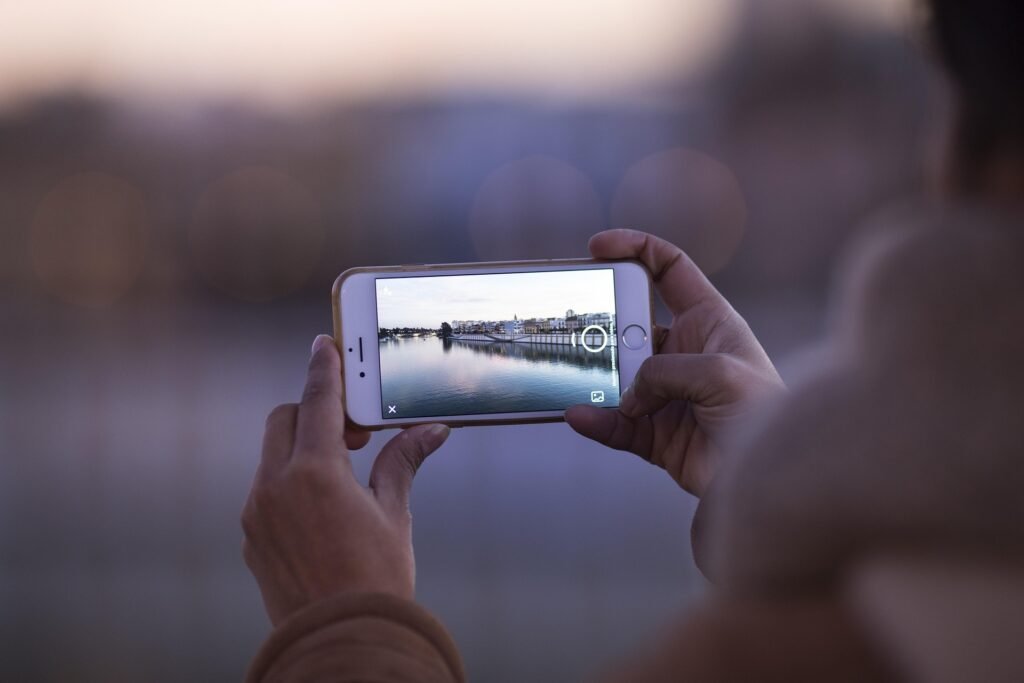
The native iPhone camera app is fast and simple. It is great for capturing a moment quickly with little setup. You can tap to focus, swipe to adjust exposure, and shoot right away.
Pro apps like Blackmagic Cam or Halide give you full manual control. You can adjust shutter speed, ISO, and white balance just like on a professional camera.
Example: Shooting a sunset. The native app may blow out the highlights and make the sky too bright. With Blackmagic Cam you can lower exposure and lock in the rich colors exactly as they are.
Shooting Video With the DJI Pocket vs iPhone
Both the iPhone and DJI Pocket create strong video but they shine in different ways.
The iPhone is unbeatable for convenience. It is always in your pocket and shoots high quality 4K video with solid stabilization, making it a great smartphone choice. But if you are walking or moving quickly the footage can still look shaky.
The DJI Pocket uses a gimbal to stabilize your shots. It creates smooth cinematic footage that feels professional even if you are moving through a crowded market or filming while walking.
Example: Walking through a night market with lots of motion, capturing the best photos with your iPhone. The iPhone footage may bounce with every step while the DJI Pocket glides smoothly.
Composition Tips: Rules vs Breaking the Rules
Composition is the difference between a snapshot and a story. Grid lines on your iPhone help you follow the rule of thirds which is perfect for portraits and landscapes.
Breaking the rules can also work. Centering your subject can create powerful symmetry and using leading lines from roads or architecture can draw the viewer’s eye exactly where you want it.
Example: Photographing a temple with the best photos in mind. Using thirds shows off the environment around it. A centered shot makes the temple itself feel more dramatic and important.
“The best camera is the one that’s with you.”~ Chase Jarvis
Lighting Tricks: Natural Light vs Artificial Light
Natural light is your best friend. Golden hour right after sunrise or before sunset makes colors warmer and shadows softer, perfect for taking the best photos. Open shade helps on harsh sunny days by reducing squinting and blown out highlights.
Artificial light has its place too. Neon signs, shop windows, and even street lamps can create moody cinematic effects.
Example: Filming dinner outdoors at night. Turning toward a candle or string lights gives the scene a warm glow that feels intentional and artistic.
Editing on the Go: Snapseed vs Lightroom Mobile
Editing transforms your shots. Snapseed is free and powerful for quick fixes like brightness and contrast. Lightroom Mobile is better if you want to apply consistent looks and use presets across multiple photos to take better images.
Example: Editing one food photo for Instagram. Snapseed is perfect. Editing an entire series of travel portraits. Lightroom Mobile keeps the tones and colors consistent.
For video, VN and CapCut are easy free apps with transitions, filters, and color tools.
Storytelling Is More Important Than Gear
The most engaging content comes from story. Specs and settings matter less than the feeling you create. Show the details of your travel day, capture the atmosphere of a local meal, or share a behind the scenes of your creative process.
Example: A 10 second clip of you drinking tea at sunrise with text about slowing down can resonate more than a technically perfect clip with no meaning.
When to Consider Upgrading Your Setup
As you dive deeper into the world of iPhone photography, you may eventually feel limited by the capabilities of your current device, whether it’s an older iPhone model or a compact camera like the DJI Pocket. This is especially true if you find yourself shooting in challenging lighting conditions and crave better low light performance or if you’re seeking more advanced features and manual controls for professional projects. In such cases, upgrading to a hybrid camera, such as the Sony A7IV, can significantly enhance your photographic capabilities and open up new creative possibilities.
However, it’s essential to remember that there is no rush to upgrade. Before making any decisions, take the time to master the tools you already own. Learning the ins and outs of your iPhone’s camera features, experimenting with different photography techniques, and utilizing various apps can make you a stronger and more versatile creator. Focus on understanding concepts like composition, lighting, and post processing, as these skills will translate well regardless of the equipment you eventually choose.
Moreover, investing time in improving your iPhone photography skills can yield impressive results without the need for expensive gear. Consider exploring accessories like tripods, lens attachments, or lighting kits that can enhance your current setup. Remember, great photography is often about creativity and technique rather than solely relying on high end equipment.
FAQ
Can I take professional photos with my iPhone
Yes, especially when considering the unique features of each iPhone model. With good light and editing iPhone photos are strong enough for blogs, social media, and even some professional projects.
Is the DJI Pocket better than an iPhone for video in terms of image quality?
For smooth cinematic shots yes. The built in gimbal creates professional movement that phones cannot always match.
Which camera app should I use
The native app is perfect for quick shots. Blackmagic Cam or Halide are better for manual control and pro level editing.
Do I need to upgrade to a professional camera
Not at first. Focus on storytelling and fundamentals. Upgrade only when your phone or DJI Pocket feels limiting.
Want more tips on tools that make nomad life easier Subscribe to Zen and Bae for weekly insights